
01
No computer required
Create and edit the complete mapping on iPhone, iPad, or Android instead of having to carry a laptop.
Lazy Lighting turns any normal projector into a projection mapping tool, run from your iPhone, iPad or Android phone. No computer or complicated software required.
Free to download · optional Pro
3.5M+
mappings created
4.6
1,000+ App Store ratings

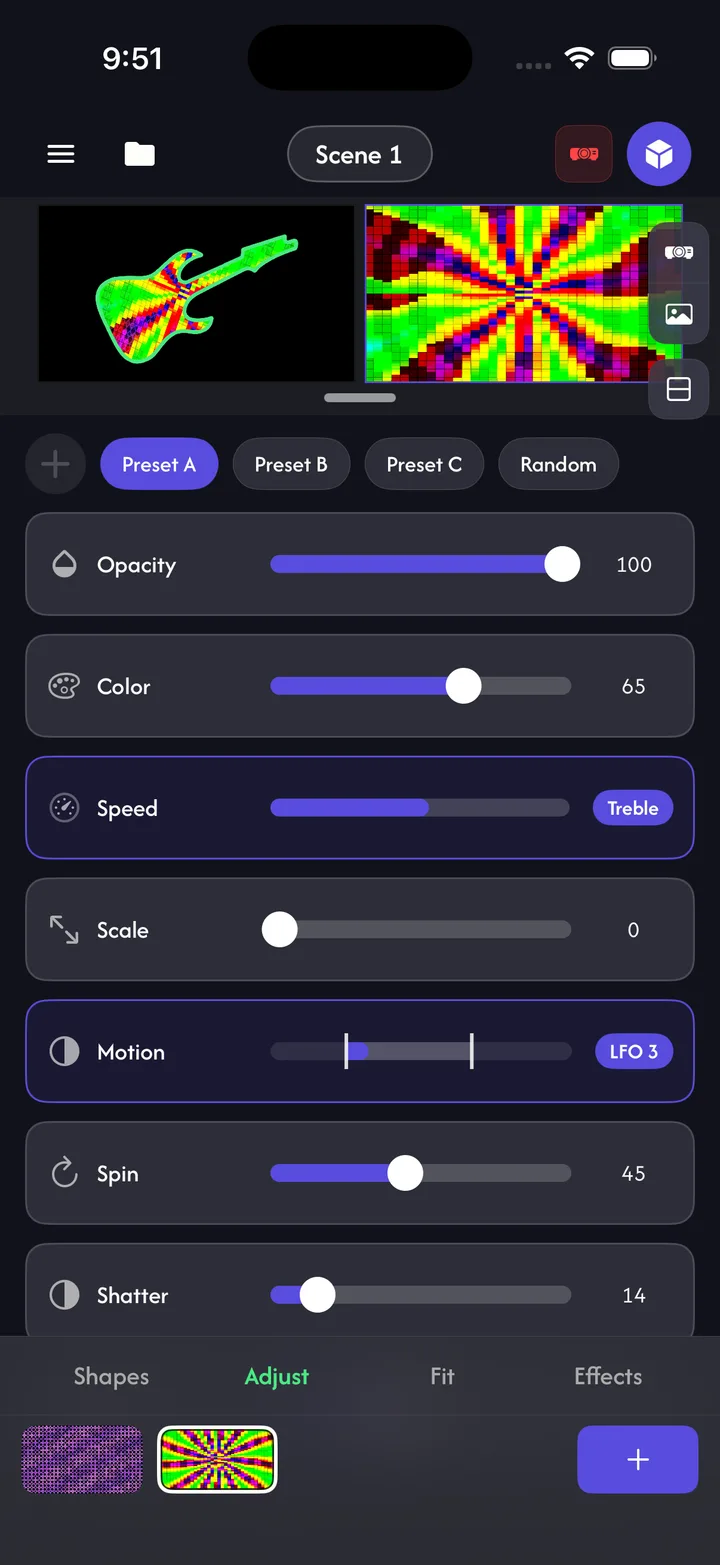
Lazy Lighting combines mapping, visuals, live control, and projector output in one app. Start creating with your phone and connect a projector when you are ready.
01
Create and edit the complete mapping on iPhone, iPad, or Android instead of having to carry a laptop.
02
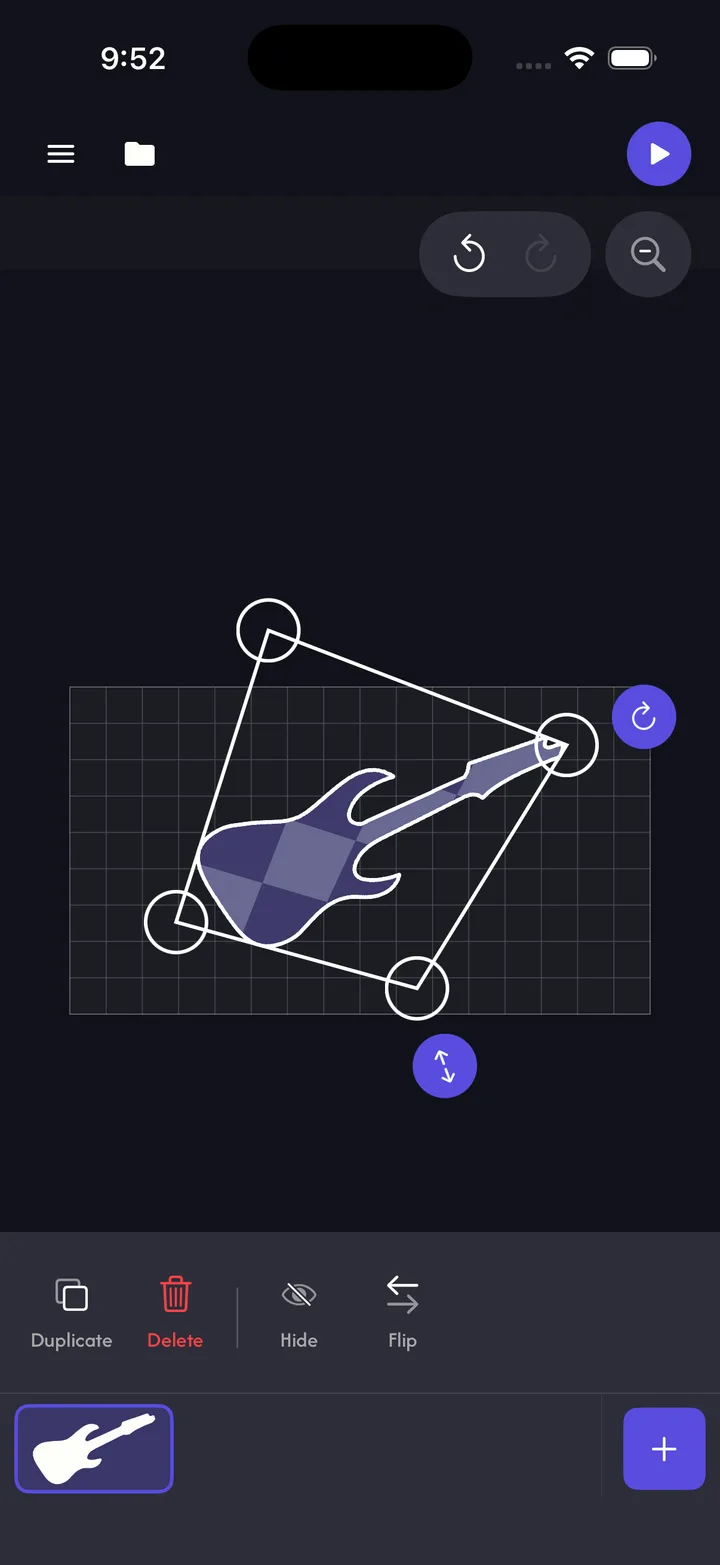
Fit quads, circles, cubes, text, and cut-out images to real surfaces with corner warping, snapping, masks, curves, and reusable projects.
03
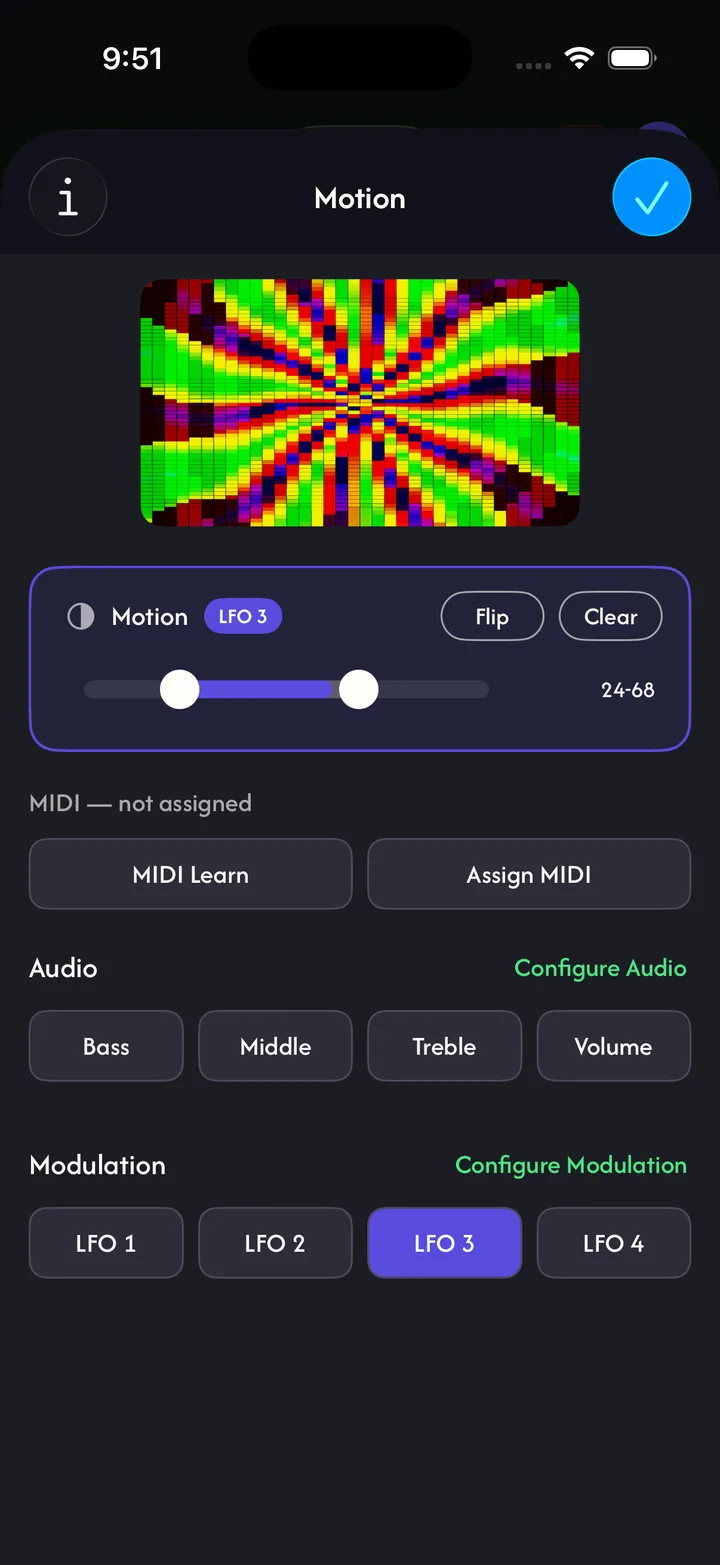
Use more than 100 generated visuals or your own videos, photos, camera, and drawings. Drive parameters with BPM, microphone audio, LFOs, or MIDI.
04
Connect over USB-C or Lightning to HDMI, AirPlay, Miracast, or Lazy Lighting Link on Android TV and Google TV projectors.
Map surfaces with your phone — no computer or complicated software. Just point, tap, and project.
Projector guideChoose from a variety of effects to shape your projection. Blend, distort, and animate your mapping without extra software.
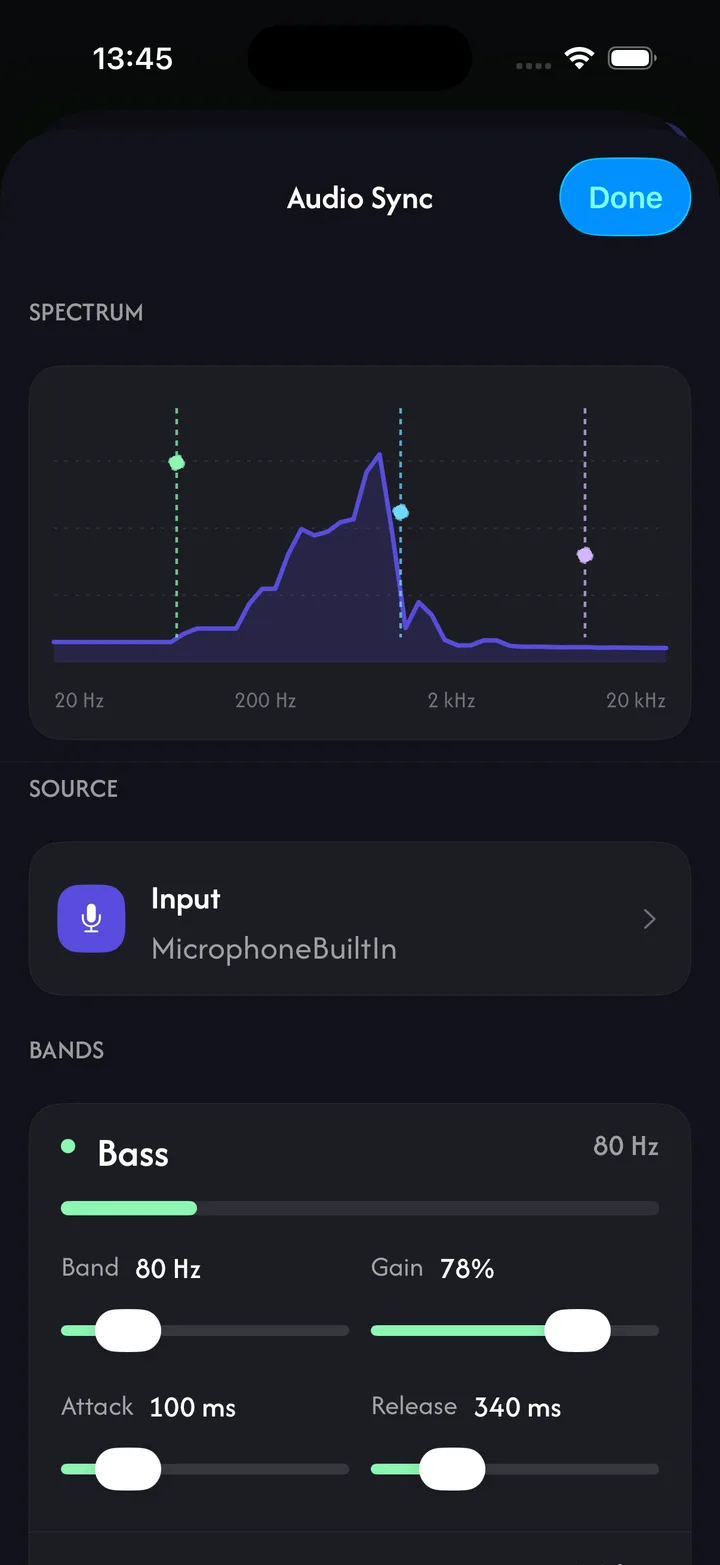
Your projections respond to sound and MIDI in real time. Connect a mic, instrument, or controller and watch the mapping react.
Generative visuals and video loops, from abstract patterns to Halloween and Christmas scenes. With Pro, lock them to a BPM or let them follow the room's audio.
Not sure which projector to buy? See the one we recommend and what to look for.
Open the projector guide →Get the right cables and adapters so your phone connects to your projector without hassle.
Open the connection guide →Find answers to common questions about the app, pricing, supported devices, and more.
See all questions →Ce site est aussi disponible en français.
Voir en françaisQuesto sito è disponibile anche in italiano.
Visualizza in italianoDiese Website gibt es auch auf Deutsch.
Auf Deutsch ansehenEste sitio también está disponible en español.
Ver en españolこのサイトは日本語でもご覧いただけます。
日本語で見る이 사이트는 한국어로도 볼 수 있습니다.
한국어로 보기We use Google Analytics to see which articles and channels lead to useful app experiences, and advertising measurement to connect campaigns to downloads. Nothing loads until you choose. We do not sell personal information.