The best budget projectors for projection mapping
How to choose a cheap projector that maps well: the specs that matter under $300, the marketing numbers to ignore, and where secondhand office projectors fit in.
By Jake Silverstein · Updated
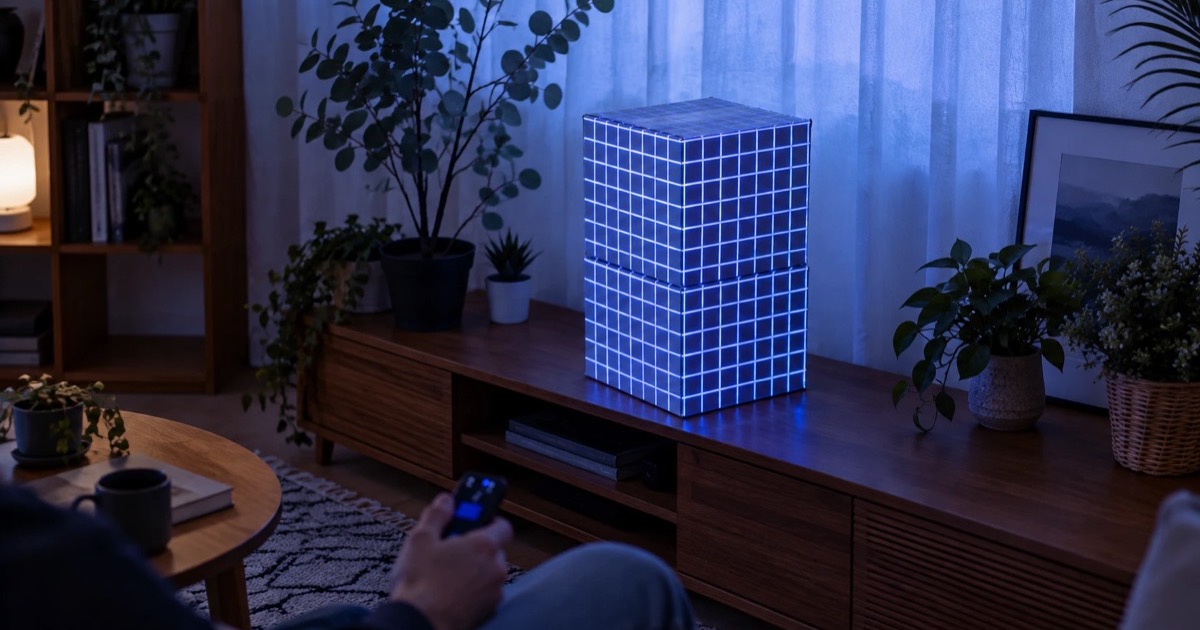
Projection mapping is unusually kind to cheap projectors. The geometry corrections that mapping software performs are exactly the corrections expensive projectors sell as features, and content designed for mapping tends to be bold and graphic rather than subtle. A $90 LED projector mapping a cardboard box in a dark room can look genuinely professional.
That said, the budget end of the projector market is full of numbers designed to mislead. Here is what to actually look at.

Map it from your phone
Lazy Lighting turns your phone into a projection mapping tool for any projector, on iPhone, iPad and Android.
Free to download · optional Pro
The specs that matter
- ANSI lumens, not "lumens". Budget listings advertise "LED lumens" or bare "lumens", which run 5 to 10 times higher than the honest ANSI measurement. A "9000 lumen" bargain projector is often 200 to 400 ANSI. Search the listing for the ANSI figure; if it is absent, assume the worst.
- HDMI input. It is how a phone's signal gets in by cable, or through a plug-in receiver such as a Chromecast with Google TV running the Lazy Lighting Link app. Projectors with Google TV or Android TV built in can run that app themselves.
- Real resolution. "Supports 1080p" means it accepts a 1080p signal, not that it displays one. Look for native resolution. 720p native is fine for small objects; 1080p native is worth it for walls.
- Focus quality. Sharp corners make sharp mappings. Reviews mentioning soft edges or focus drift are disqualifying for mapping use.
What your money gets you
| Feature | Typical price | Typical brightness | Best for |
|---|---|---|---|
| Compact LED | $70–150 | 100–300 ANSI | Boxes, shelves and small props in a dark room |
| 1080p LED, smart OS | $150–300 | 300–600 ANSI | Walls in a dim room; Google TV and Android TV models can run the Lazy Lighting Link receiver app directly |
| Bright home / used office | $250–400 | 2000+ ANSI | Large walls and rooms with the lights on; outdoors needs 3,000+ |
The secondhand shortcut
Retired office projectors are the sleeper deal of projection mapping. A ten-year-old business DLP with 3000 ANSI lumens sells for the price of a new toy projector and outshines it several times over. The trade-offs are real but tolerable: XGA-era resolution, fan noise, muted colours and a lamp with limited hours left.
For bright rooms and big surfaces on a small budget, a used office unit plus an HDMI cable is hard to beat.
What not to pay for
- 4K. At mapping distances the pixel density is invisible, and budget "4K" is usually upscaling anyway.
- Keystone correction and auto-focus. Mapping software replaces keystone entirely, with more precision.
- Built-in speakers. The music should come from real speakers; the projector fan will be closer to your audience than its driver.