
01
No computer required
Create and edit the complete mapping on iPhone, iPad, or Android instead of having to carry a laptop.
Lazy Lighting turns any normal projector into a projection mapping tool. No computer or complicated software required.
2.5M+
mappings created
4.5+
App Store rating

Select a corner or the whole mapping, then use the direction buttons. Focus a corner and use the arrow keys to move it. Hold Shift for larger steps.
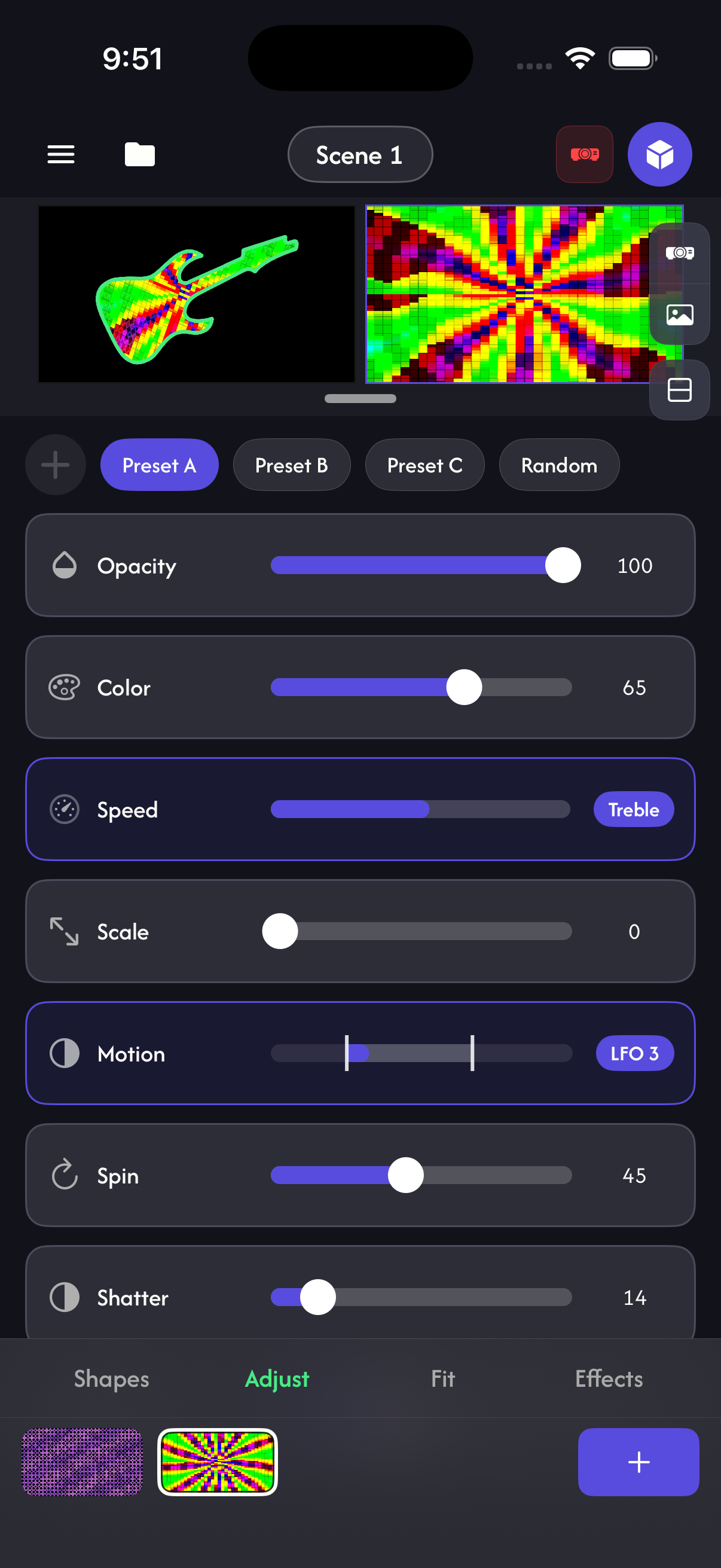
Lazy Lighting combines mapping, visuals, live control, and projector output in one app. Start creating with your phone and connect a projector when you are ready.
01
Create and edit the complete mapping on iPhone, iPad, or Android instead of having to carry a laptop.
02
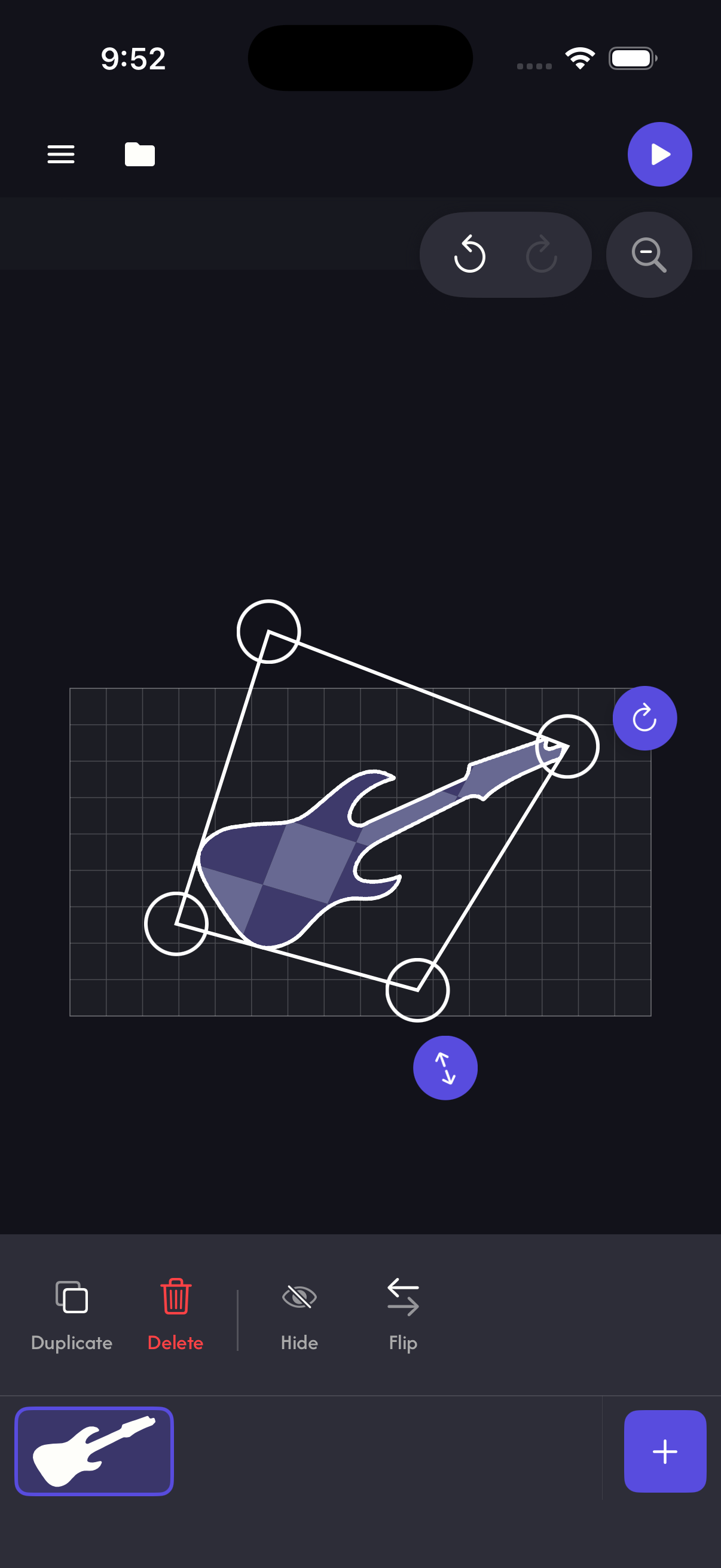
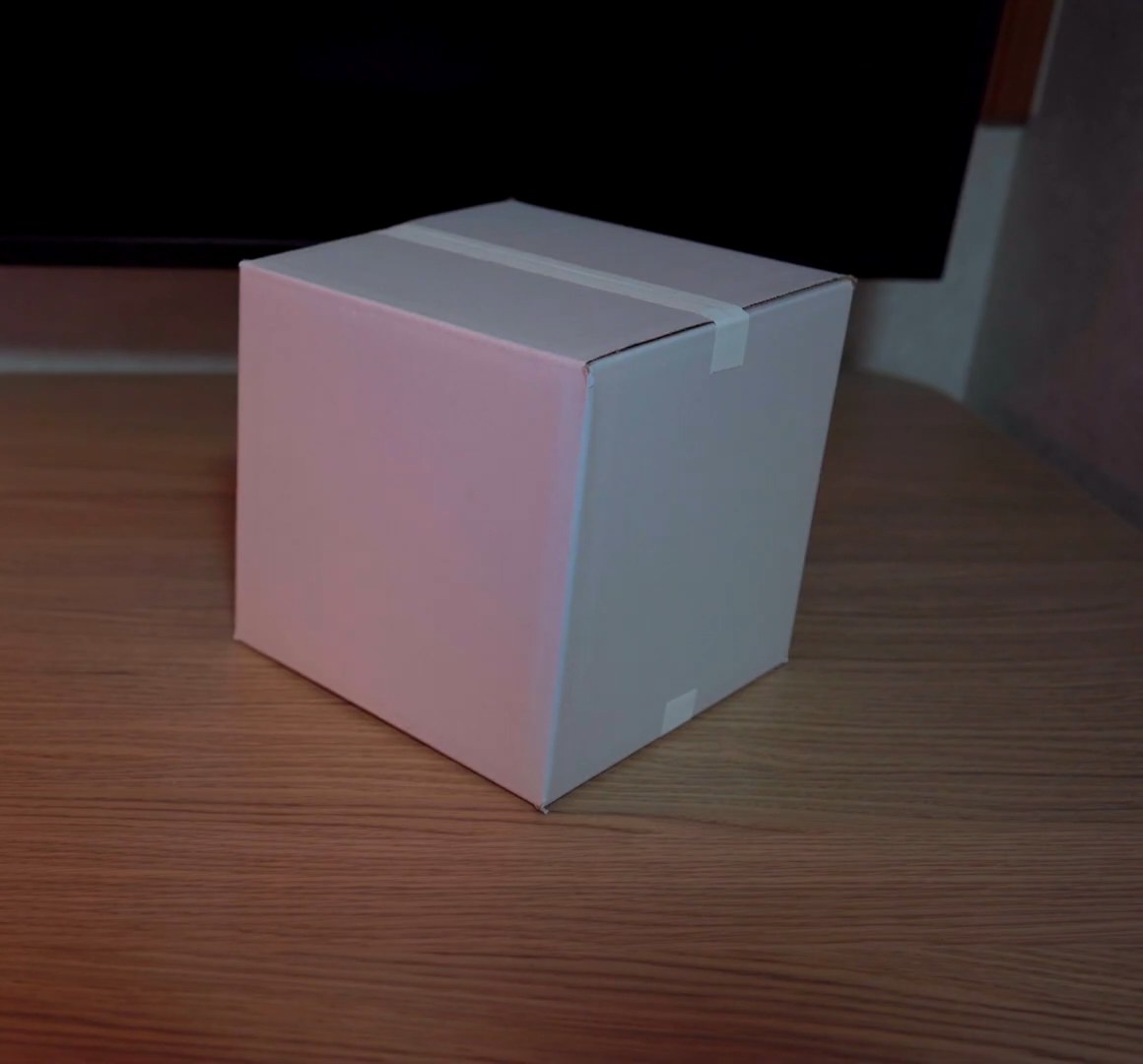
Fit quads, circles, cubes, text, and cut-out images to real surfaces with corner warping, snapping, masks, curves, and reusable projects.
03
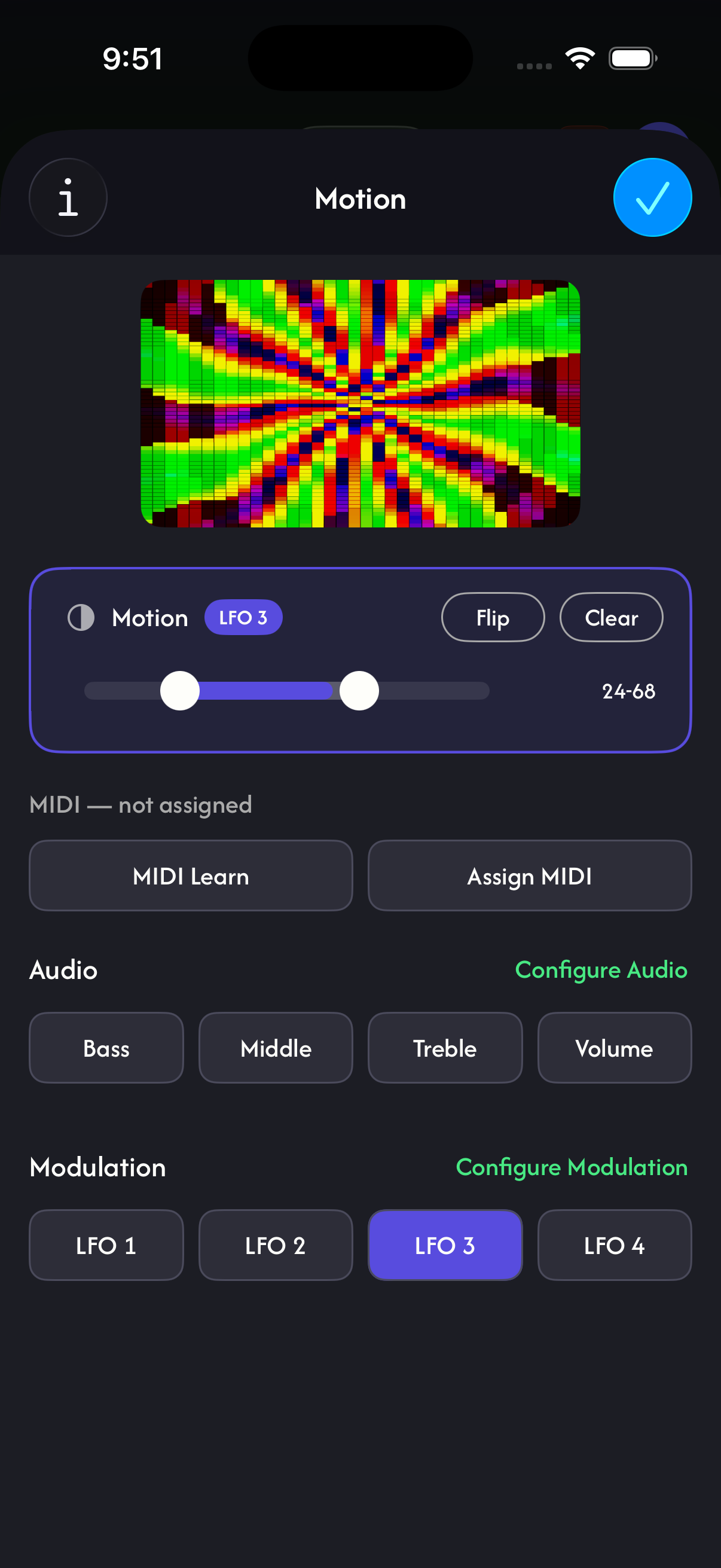
Use more than 100 generated visuals or your own videos, photos, camera, and drawings. Drive parameters with BPM, microphone audio, LFOs, or MIDI.
04
Connect over USB-C or Lightning to HDMI, AirPlay, Chromecast, Miracast, or Lazy Lighting Link on Android TV and Google TV projectors.
Map surfaces with your phone — no computer or complicated software. Just point, tap, and project.
Projector guideChoose from a variety of effects to shape your projection. Blend, distort, and animate your mapping without extra software.
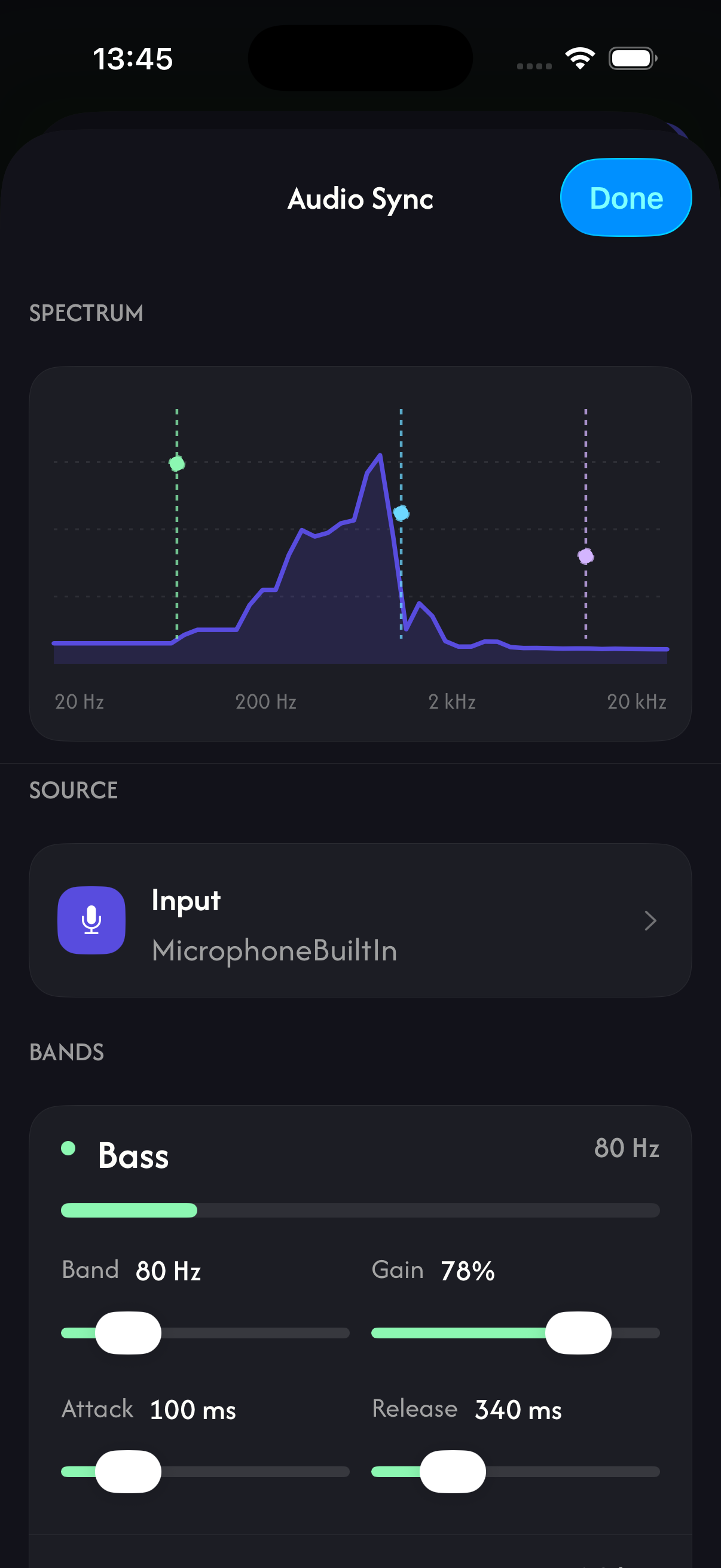
Your projections respond to sound and MIDI in real time. Connect a mic, instrument, or controller and watch the mapping react.
Every visual is generated live and locked to tempo. Set the BPM, or let the app follow the room's audio.
Not sure which projector to buy? Use our beginner guide and survey to find the right setup for you.
Open the projector guide →Get the right cables and adapters so your phone connects to your projector without hassle.
Open the connection guide →Find answers to common questions about the app, pricing, supported devices, and more.
See all questions →Analytics shows us which articles and channels lead to useful app experiences. Advertising measurement connects campaigns to downloads. We do not sell personal information.