
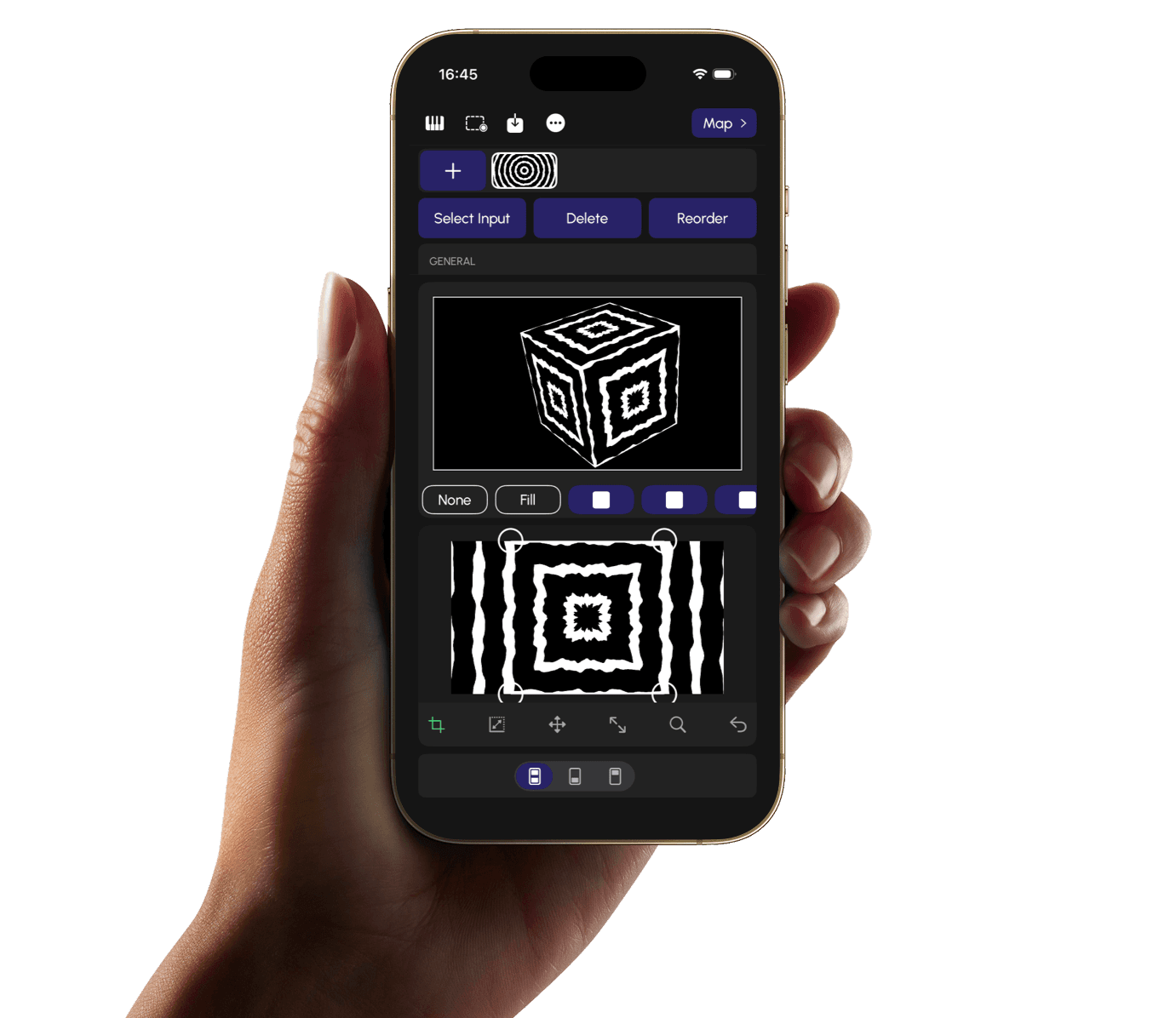
Lazy Lighting works with any projector
Connect via HDMI using a USB-C or Lightning adapter. You can also connect wirelessly with AirPlay.
Need a Projector?
Not sure which projector to buy? Use our beginner guide and survey to find the right setup.
Projector guide →How to Connect
Get the right cables and adapters so your phone connects to your projector without hassle.
Connection guide →Mapping made easy
Map surfaces with your phone—no computer or complicated software. Just point, tap, and project.
Built-in effects
Choose from a variety of effects to shape your projection. Blend, distort, and animate your mapping without extra software.
Audio & MIDI Reactive
Your projections respond to sound and MIDI in real time. Connect a mic, instrument, or controller and watch the mapping react.
Quick Start Guide
Frequently asked questions
- Lazy Lighting is currently available for iPhone and iPad only. There is no Android, Mac, or Windows version.
- Lazy Lighting is designed to output to one projector at a time from your iPhone or iPad.
- You can download Lazy Lighting from the App Store. Check the app listing for current pricing and any in‑app features.
- Lazy Lighting works with iPhone and iPad. Your device needs to support video output to an external display (e.g. via Lightning or USB‑C to HDMI adapter).
- It's inspired by the Grateful Dead song of a similar name. I was too lazy to use a complicated computer program for projection mapping—so I built something easier to use.
- Yes. You can use your own videos and images in Lazy Lighting. Import from your photo library or files to create custom mappings and effects.

Start projection mapping today
Turn any surface into a creative canvas with Lazy Lighting.